






See every hit on the kit
Switch from the score to the kit and watch each hit land.
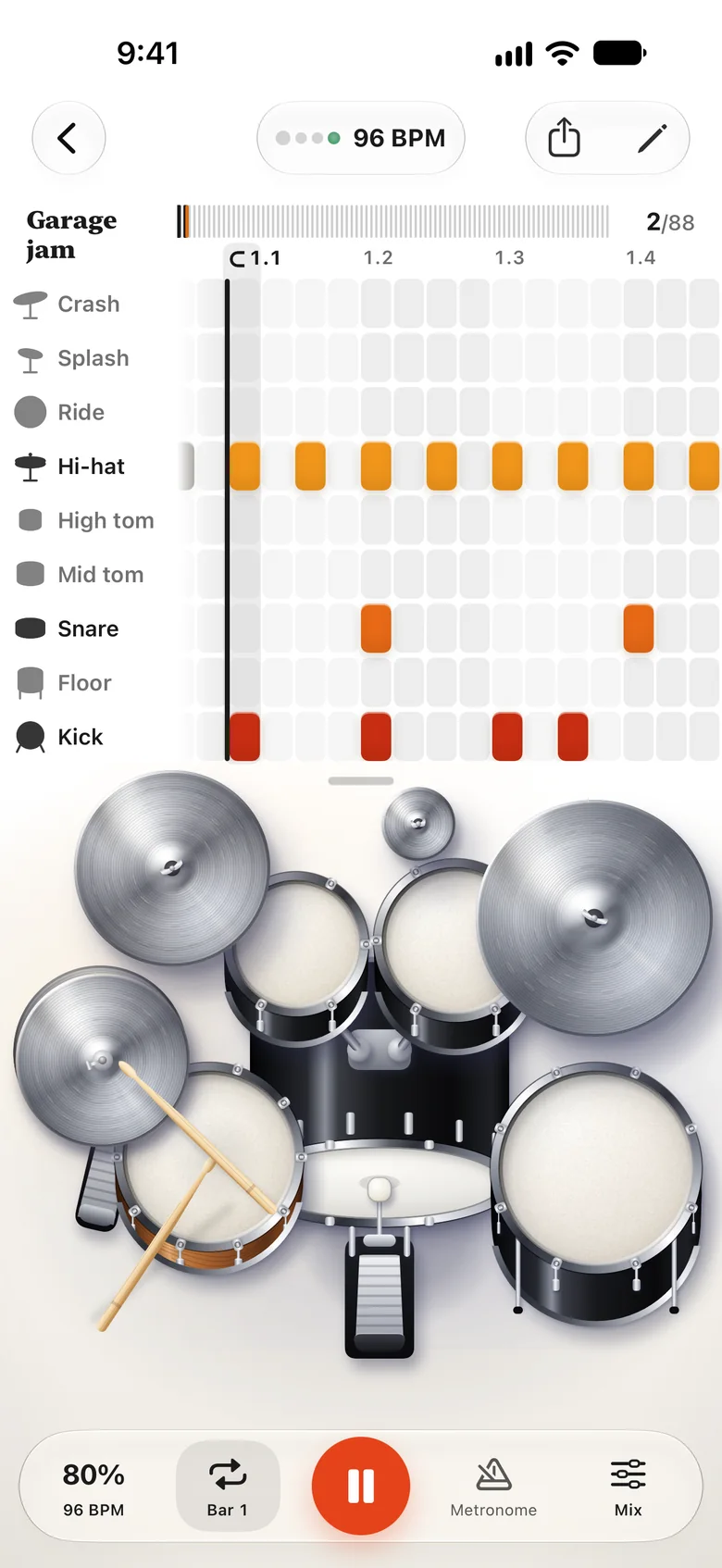
Give Drumroll a song and it writes the drum part on your iPhone. Then slow it down, loop the hard bars and play along with the band.
Switch from the score to the kit and watch each hit land.
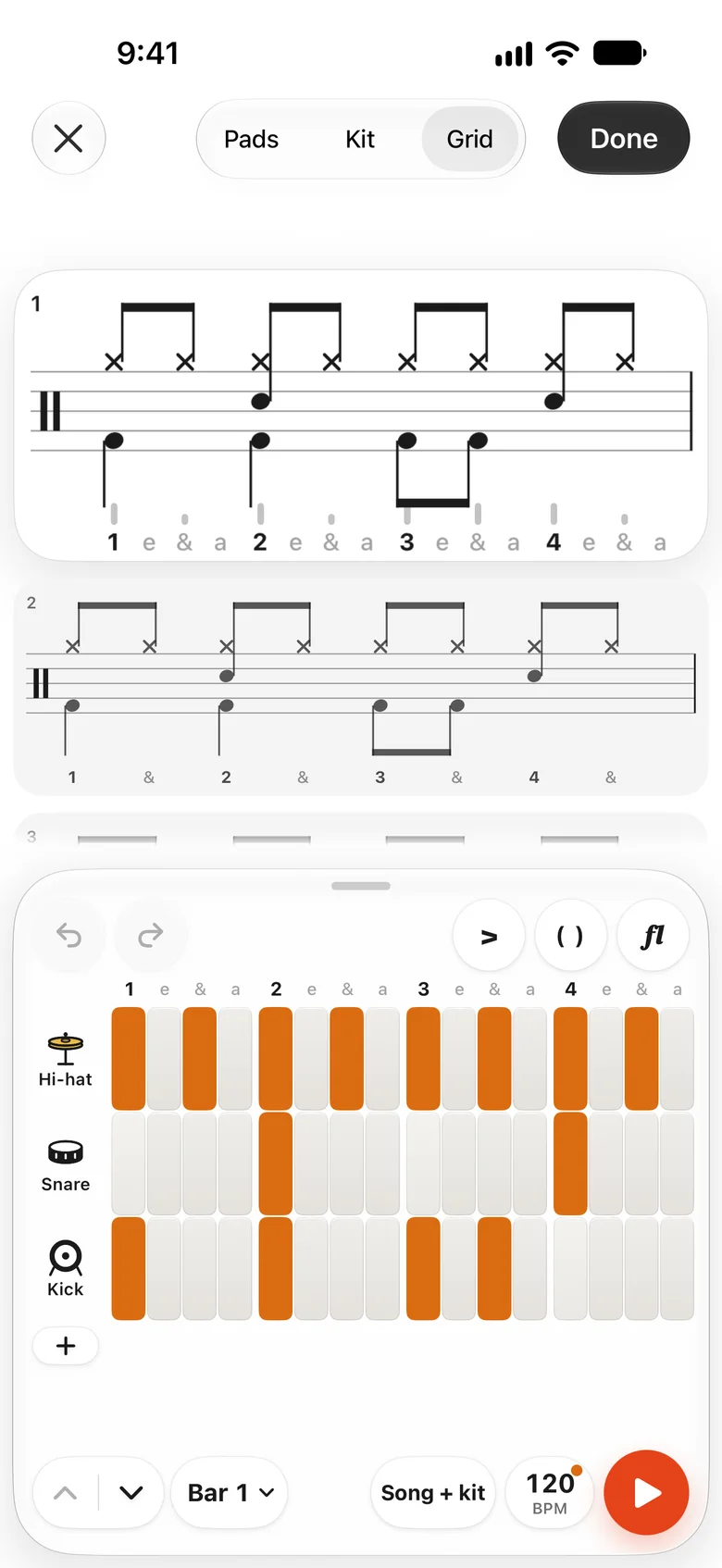
Tap the staff or the step grid. Accents, flams and swing, with Undo.
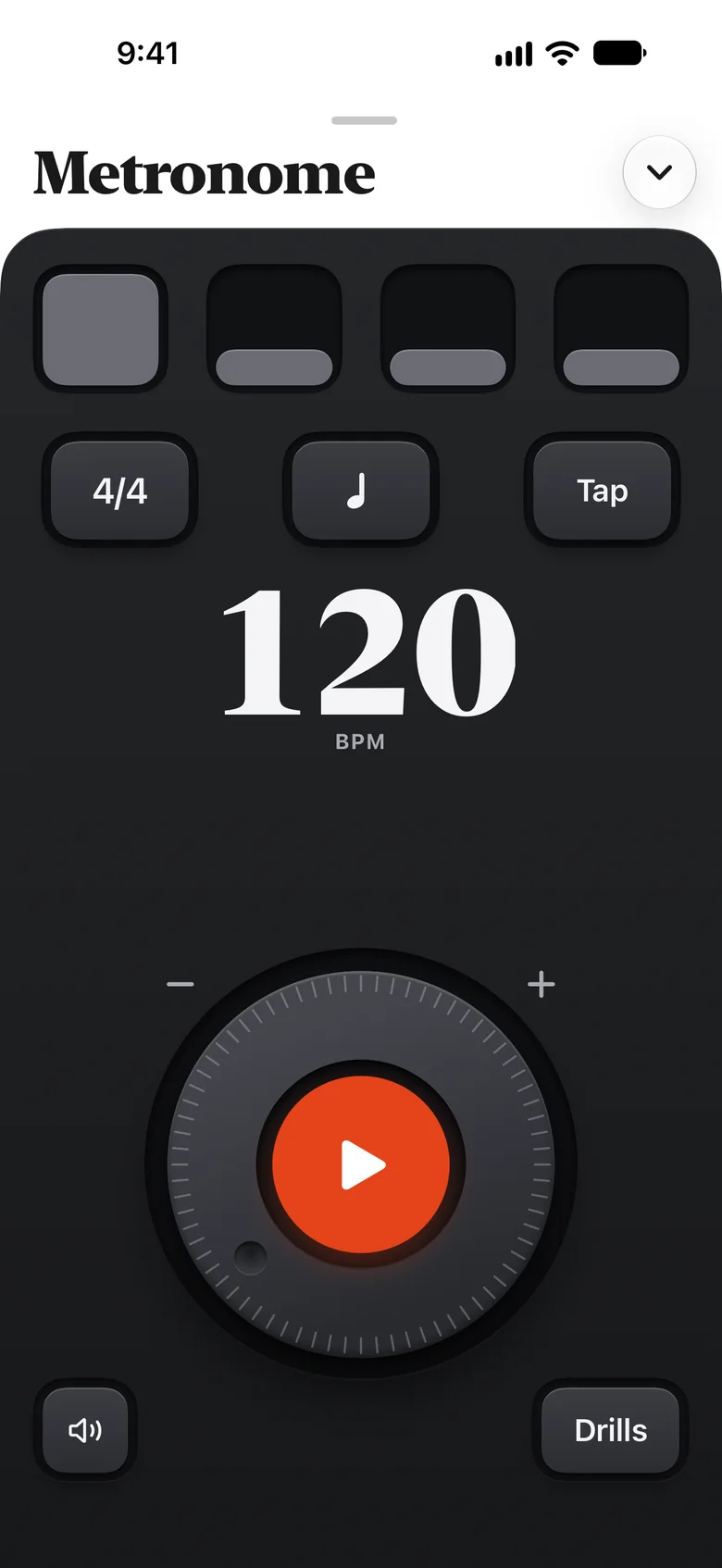
Tempo, meter, accents and subdivisions, a count-in, and gap bars that go silent to see if you hold the beat.
A clean chart for the stand, a picture for the band chat, MIDI and MusicXML for your other apps.
Drumroll writes the score on the phone. The song is never uploaded, and there is no account.
Download it and start with a song.
Every song, start to finish.
Yearly with a 7-day free trial, or monthly. $44.99 a year or $7.99 a month in the US.
Coming soonAudio files such as MP3, M4A, WAV and AIFF, and videos, picked from Files or Photos or shared to Drumroll from another app. A drum MIDI file opens as a score too. Songs with copy protection, such as Apple Music downloads, and website links cannot be opened.
No. Drumroll listens to the song and writes the score on your iPhone. The song and the score stay there.
Drumroll separates the drums from the other instruments, then writes each hit, all on your iPhone. The first bars are ready to play in seconds while the rest is written, and you can leave the page.
Open the editor and fix it: tap the staff or the step grid. A busy or quiet recording can hide a hit, so check the hard bars against the song.
An iPhone with iOS 26.1 or later.
Open Settings on your iPhone, tap your name, then Subscriptions. More help

Drumroll writes the drum part. You play it.
Coming soon to the App Store